Inside the
machine
room.
You’ve driven the car. Now let’s look under the bonnet. Feature packs, phase gates, parallel reviews, the whole workflow that makes bigger builds possible.
Six things you
already know.
Say the answer out loud before you reveal it. You’ve met all of these in Parts 1 and 2.
You’ve already run half of the commands you’ll see in this deck. This isn’t new territory, it’s the same ground, one floor deeper.
Three decks,
one journey.
Before we dive in, here’s where each deck lives. Part 3 is the inside of the stages Part 2 named.
Think of it as a drawing scale: Part 1 is 1:200 (whole site). Part 2 is 1:50 (floor plans). Part 3 is 1:5 (details). Same building.
A product is
a stack of packs.
Trying to build a whole product at once is like laying out a whole hospital in one drawing. It doesn’t work. Ship It breaks every product into feature packs: a single feature’s worth of spec, contract, states, acceptance, and build plan, all in one folder.
What’s in a pack
__spec.md (what it does), __contracts.md (exact field names and API shapes), __states.md (every UI state), __acceptance.md (pass/fail tests), and, when planning begins, __build.md (the phase plan).
Vertical slices, not horizontal layers
Each phase inside a pack builds a vertical slice: a small end-to-end piece that works and is testable. Types + DB + backend + UI for one feature. Never “do all the backend, then all the UI”, that way lies endless integration pain.
Like issuing a single room in full: plans, sections, details, M&E, finishes schedule, the works. When it’s signed off, you move to the next room. The room is the unit of delivery, not the drawing type.
Before you write
a single line, audit.
Writing a spec is not the same as writing a good spec. Ship It runs five passes over every blueprint before building begins. Each pass catches different kinds of problem.
Hygiene
Terminology consistent? Names match? Cross-references resolve? Every named thing defined? Catches the silly stuff before it hardens into the build.
Navigation
A dedicated sweep just for screen-to-screen flow. Does every “tap here” lead somewhere real? Any orphaned screens? This is where UX confusion is caught.
Contract tracing
Every field in every contract traced back to the spec. If the spec says “booking has a date” and the contract doesn’t, the contract is wrong.
Flow validation
End-to-end user journeys walked through. If booking requires login but login isn’t in the flow, that’s a blocker. Found at audit, not at build.
Dry-run buildability
Can someone build this from the docs alone, without asking you questions? If the answer is “maybe”, the blueprint isn’t ready.
Result: ready to build
(not a pass, an outcome)
Only when all five passes above are clean. This discipline is the single biggest difference between projects that ship and projects that stall.
Screen inventory,
room data sheets.
Before starting any visual build, Ship It takes a deliberate pause. Two skills fire in sequence.
/screen-inventory
Produces a comprehensive list of every screen in the product: what it is, which feature pack owns it, what states it has. Once per project, at the top.
Like a room data sheet before detailed design starts.
/design-preflight
Fires before each visual phase. Enriches the builder prompt with motion specs, touch targets, glass/material choices, asset needs, and emotional tone. Closes gaps that would otherwise get winged.
Like pre-issue checklist before any drawing set leaves your desk.
Screen inventory gives you the total picture. Design preflight makes each phase specific. Together, the design never feels improvised.
Every project
needs stuff.
Icons, images, illustrations, animations, screen mockups, copy. Collectively: assets. Ship It’s /asset-forge inventories what you need and writes locked prompts for each. The trick is picking the right tool for each type.
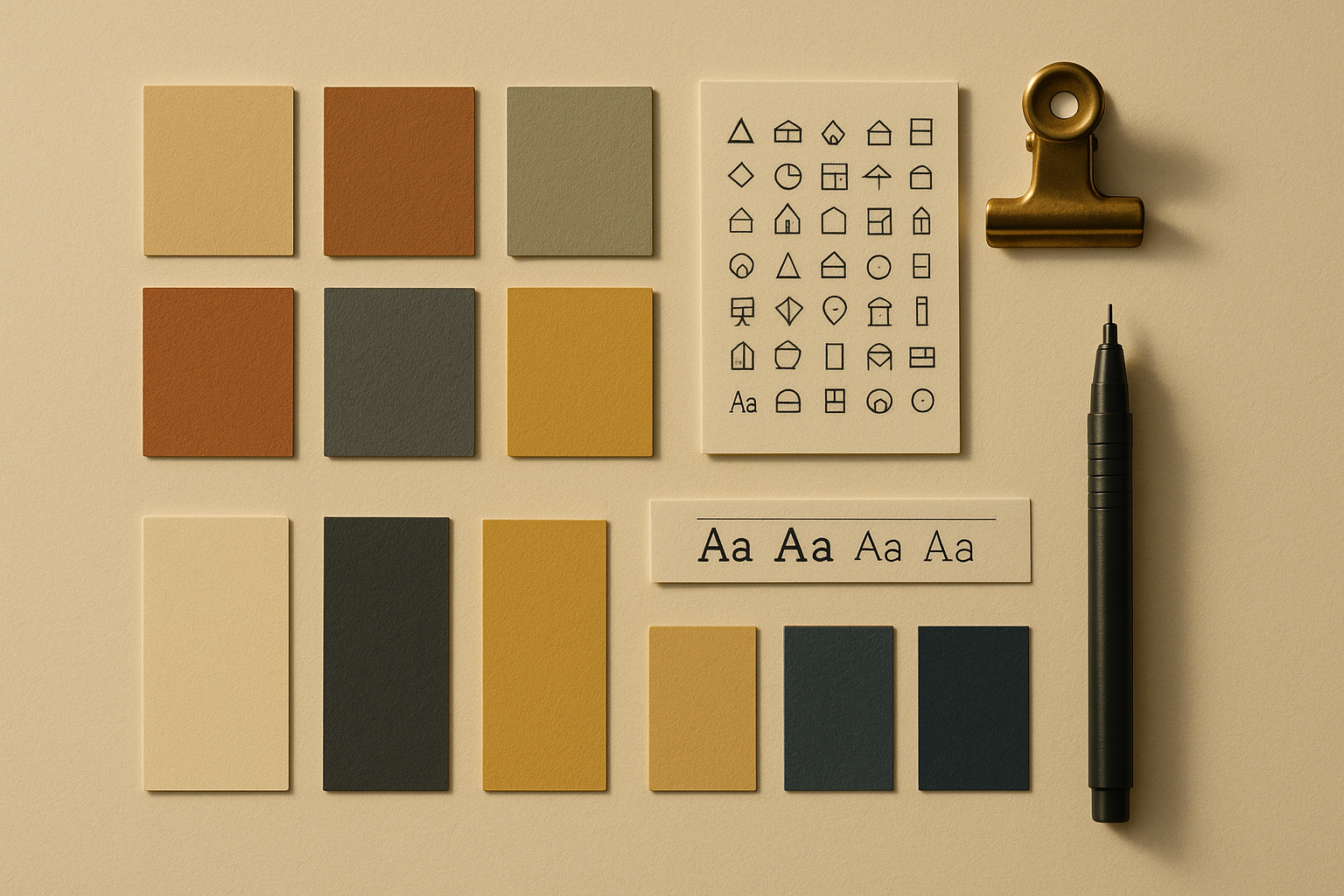
GPT Image 2.0
OpenAI’s latest image model. Great for atmospheric, magazine-style visuals. Best when you want something photoreal or illustrated with real style.
Gemini 2.5 / Imagen
Google’s image generation. Good when you need ten variants cheaply, or want to explore styles before committing.
Stitch (via MCP)
Claude can drive Stitch directly to generate complete screens in your design system, with layout, components, and typography applied. Best for fast visual iteration.
Icons8
Curated library of thousands of icons in matching families. Drop-in consistent assets, every time. Nothing you generate will match this for uniformity.
Inline SVG (from Claude)
For charts, architectural diagrams, custom shapes. Claude writes SVG directly. Sharper, lighter, more controllable than any raster alternative.
CSS, Framer Motion, Lottie
CSS keyframes for simple reveals. Framer Motion for complex interactive UI animation. Lottie for designer-authored JSON animations imported from After Effects.
Match the tool to the task. GPT Image 2.0 for a hero photo, never for a chart icon. Inline SVG for a tube roundel, never for a person’s face. Icons8 for the button glyphs, never hand-drawn.
Seven gates.
Plus a design loop.
Every phase of every pack passes seven gates before it can be called done. For visual phases, a small between-phase design loop fires too. This is how Ship It stops Claude from shipping mess.
The seven gates (sequential)
The visual loop (after visual phases)
Runs between every visual phase. Small, tight, repeatable. Design never drifts.
Two force
multipliers.
Hooks beyond the basics
Part 2 introduced three beginner hooks. Ship It’s starter pack adds a couple more worth knowing once you’re committing real work:
- credential-read-guard: blocks reads of credential files
- known-pitfalls: reminds of recorded traps before risky ops
- playbook-capture-nudge: soft reminder to capture learnings
- filing-scratch-guard: prevents writes to scratch paths
- code-quality-check: runs terminal gates after edits
Grow the set by incident. Every hook that earns a place there does so because something real went wrong once.
Parallelism: two agents, two features
/parallelism-advisor studies your plan and tells you:
- → which packs can run in parallel worktrees
- → which phases inside a pack are independent (the Diamond Pattern)
- → a ready-made worktree setup command
- → sequential vs parallel timeline comparison
LLMs make
the same mistakes
every human does.
Just faster. Dead code, repeated logic, silent failures, drifted names, scope creep. Ship It’s whole pipeline is, in effect, a set of specialised mistake-catchers. Here’s what each one catches.
These don’t run one by one. At the end of a pack, /pr-review-toolkit:review-pr spawns its six specialists in parallel, and the other three skills (/review-diff, /security-review, /diff-audit) run alongside. Most of the team reviews your work at once, in about a minute. Then you read the reports.
Four specialists.
In parallel.
At the end of every pack, Ship It runs a 4-step review. Steps 1 to 3 fire in parallel. Step 4 runs last. The whole thing takes about as long as one specialist working alone.
/pr-review-toolkit:review-pr
Six review specialists spawn in parallel: simplifier, reviewer, silent-failure hunter, test coverage, type design, comment accuracy.
/review-diff
Spec-compliance check. Catches naming drift, invented fields, and contract mismatches.
/security-review
Injection, auth bypass, crypto, data exposure, service-account leaks, dependency vulnerabilities.
/diff-audit
Scope sanity. Only intended files changed? No accidental formatting churn? File count matches the plan? Runs after the first three.
Research found AI-generated code has 2.74× higher security vulnerability rates. You can’t eye-review your way out of that. You need specialists.
What would you
do if...
One scenario. Pick your answer. Reveal to check. No grade, just noticing.
Plan your widget
with the real tools.
This is not a rebuild. You’ve already built it twice. This is a planning exercise, seeing what /spec-writer and /build-pack produce when you point them at a real idea. Takes fifteen minutes.
Feed it the widget, see what comes back.
Open Claude in your tfl-widget workspace. Paste this. Answer its questions honestly. At the end you’ll have a SPECS.md that’s better than anything you’ve written for this project before.
I want to build a TfL tube widget for iPhone showing next arrivals and line status for my regular lines. Walk me through the five-phase spec flow.
Turn the spec into a phase plan.
Use the SPECS.md you just wrote. Plan the widget as a single pack, kept small, no more than 5 phases.
Read what it produces. Notice: done-when checklists for each phase, context budgets, pitfalls flagged from KNOWN_PITFALLS. This is what a production plan looks like.
Your widget plan probably came out with 3, 4, or 5 phases. The same tool produced a 15-phase plan for the finance dashboard build, about 8,400 lines of code when it was done. Same workflow, different scale. The tools adjust; the discipline doesn’t.
Three things you couldn’t do in Part 2.
Take two minutes. Type what’s genuinely new.
(Saved in your browser.)
Ship It
is a template.
The widget was your practice. Now you take the same playbook and start something you actually care about. Six steps.
Get the playbook onto your Mac
Ship It is already at /Users/munim/ship-it/ on the machine you’ve been using. For a fresh Mac, ask Claude: “clone the Ship It repo into my home folder”.
Make a project folder
Decide the one thing you’re building (nothing too big, a tiny first feature is fine). Tell Claude: “make a new folder called my-project next to ship-it and start me in it”.
Copy the starter kit
One prompt does this:
Write your CLAUDE.md
Run /init to get a first draft. Then copy in the five Tier 1 rules from templates/CLAUDE.md.starter. Delete anything you’re not ready for. Keep it under 60 lines.
Spec it, then plan it
Same chain you saw in the widget demo. Run each in order, read the file it writes, then run the next:
- → /spec-writer (writes SPECS.md)
- → /feature-plan (writes the feature pack)
- → /build-pack (writes the phase plan)
Build, commit, review, repeat
For each phase: /build-team writes the code and Claude runs the 7 quality checks automatically. Say /commit when it works. End of pack: run the mandatory review checklist (Claude knows it). Then merge and start the next pack. Same loop, forever.
Ship It doesn’t build for you, it gives you the scaffolding and the discipline. The muscle you’ve built across these three decks, that is the thing that ships your project.
Local commits live on your Mac only. GitHub is where you put them to back up, share, and (eventually) collaborate. Three one-time steps, then it’s one prompt away for every future project.
Start every repo private by default. You can flip it public later. Anything with an API key, a draft, or anyone else’s data stays private, always.
Static sites (decks, demos, landing pages) deploy to Cloudflare Pages in one command: wrangler pages deploy <folder> --project-name=<name>. The deploy script at scripts/deploy-decks.sh in Ship It is the pattern, copy and adapt.
You’re actually ready now.
You know what happens inside each stage. You know why the gates exist. You know which skill catches which kind of mistake. Nothing in a real project will be a surprise.
Your one next action
Pick one real project you care about. Run /spec-writer on it. Ship a single pack. Notice the difference.
For monthly maintenance, a quick ten minutes with /tidy /prune /playbook-feedback keeps the repo breathing.
End of the series. Go build something.
Stuck on something?
Type it here. It goes straight to Munim.